
Legal DOC’s
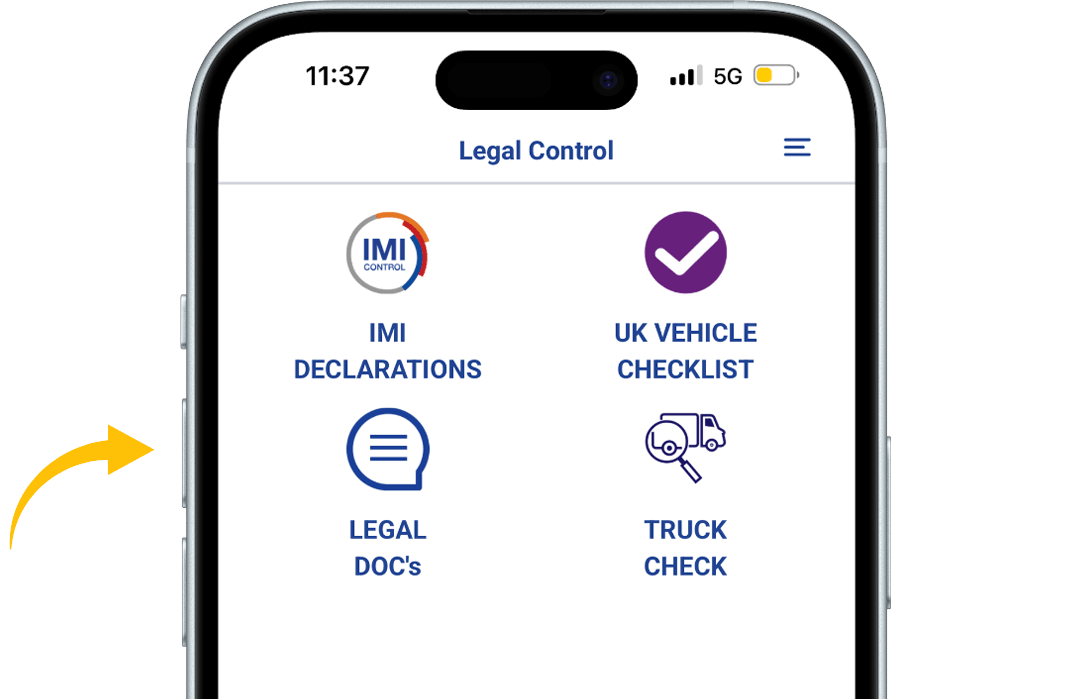
When you’re in the app, press the LEGAL DOC’S button.
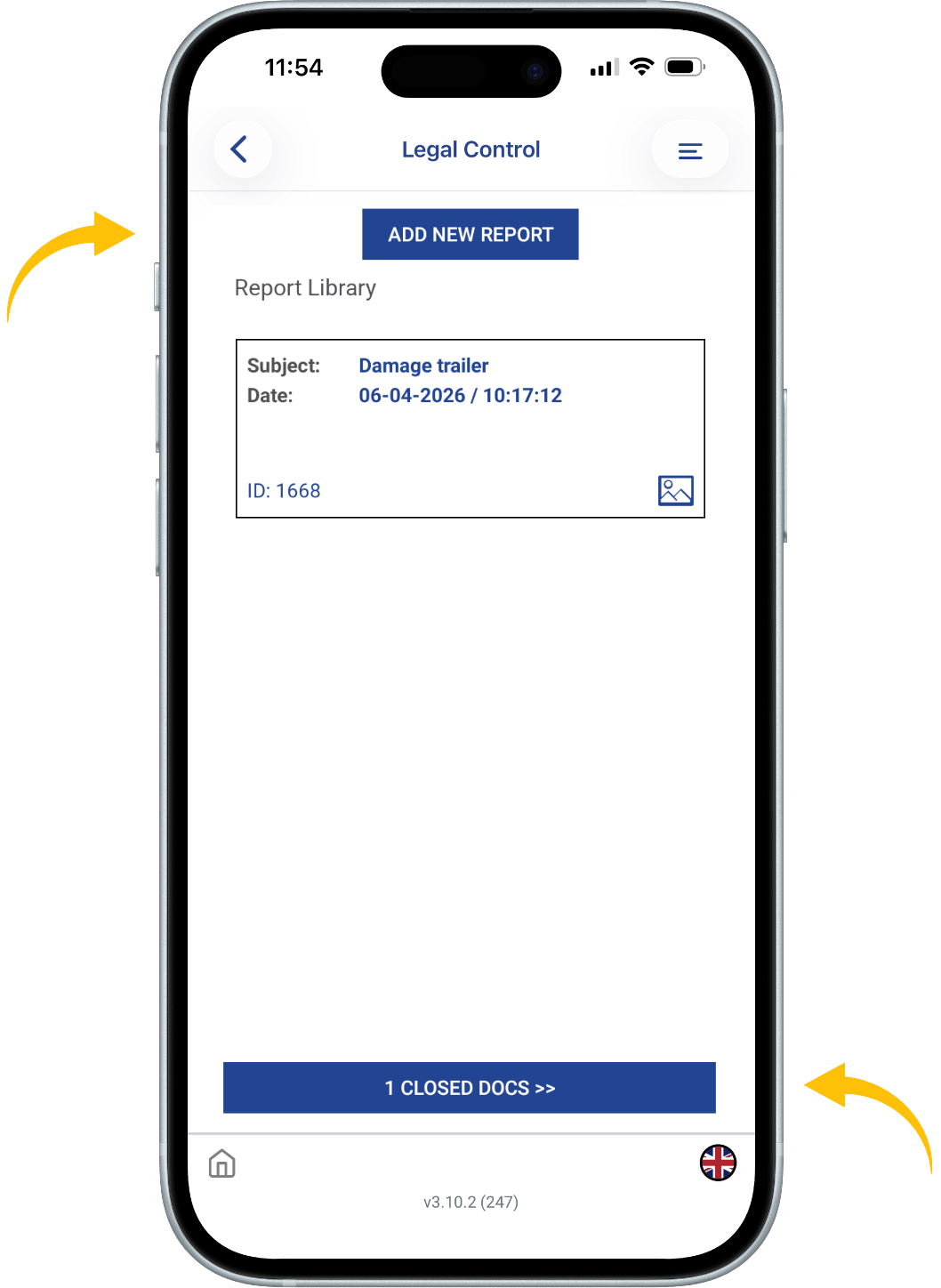
Here there is an overview of all open reports. If you press the bottom button CLOSED DOCS you are able to see all your finished reports.
To create a report, click on the blue ADD NEW REPORT button.
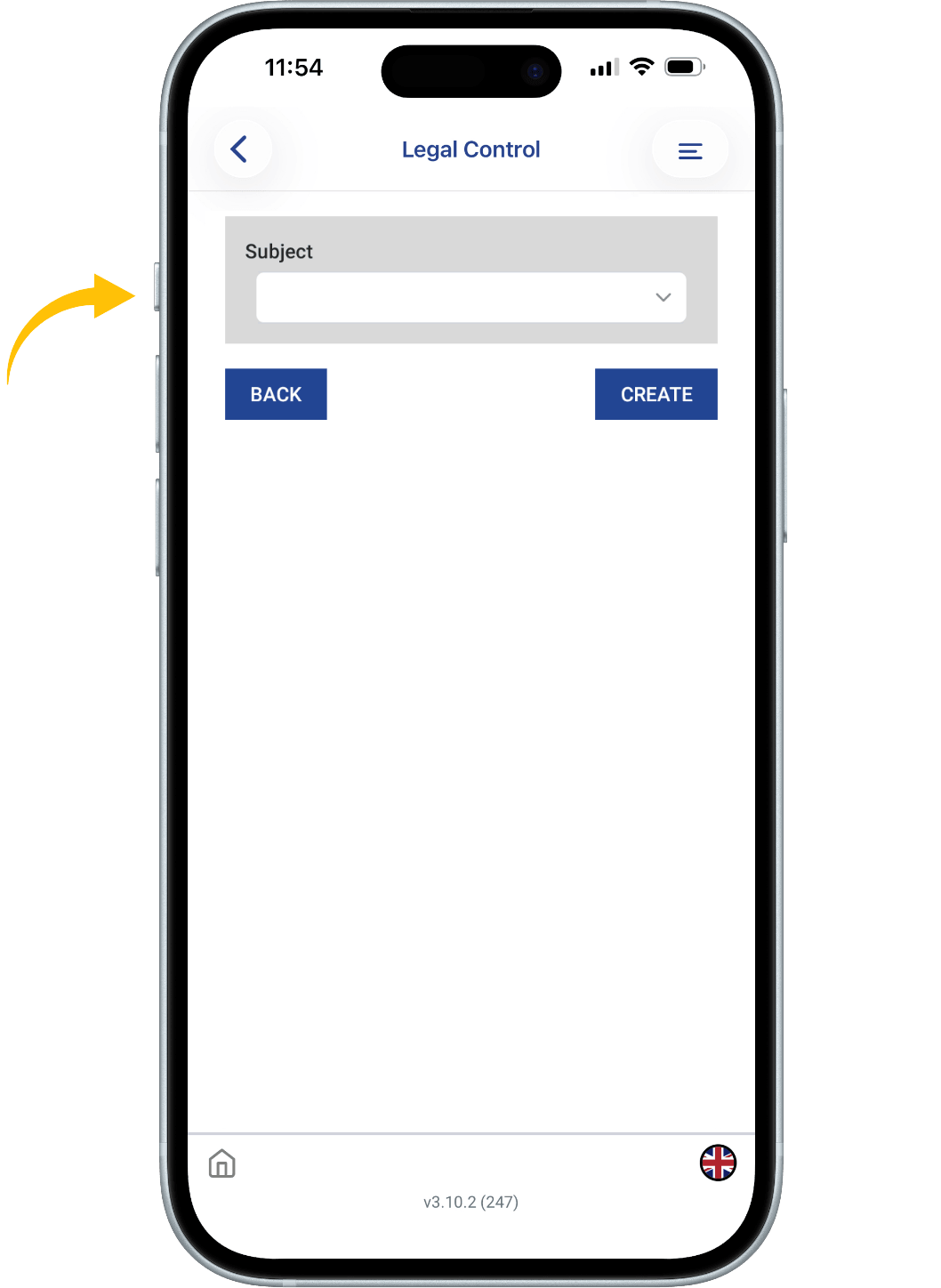
Then click a on THE BLANK WHITE FIELD and a dropdown menu will appear.
Choose a topic on what the report should be about, or choose Other and then enter a topic yourself.
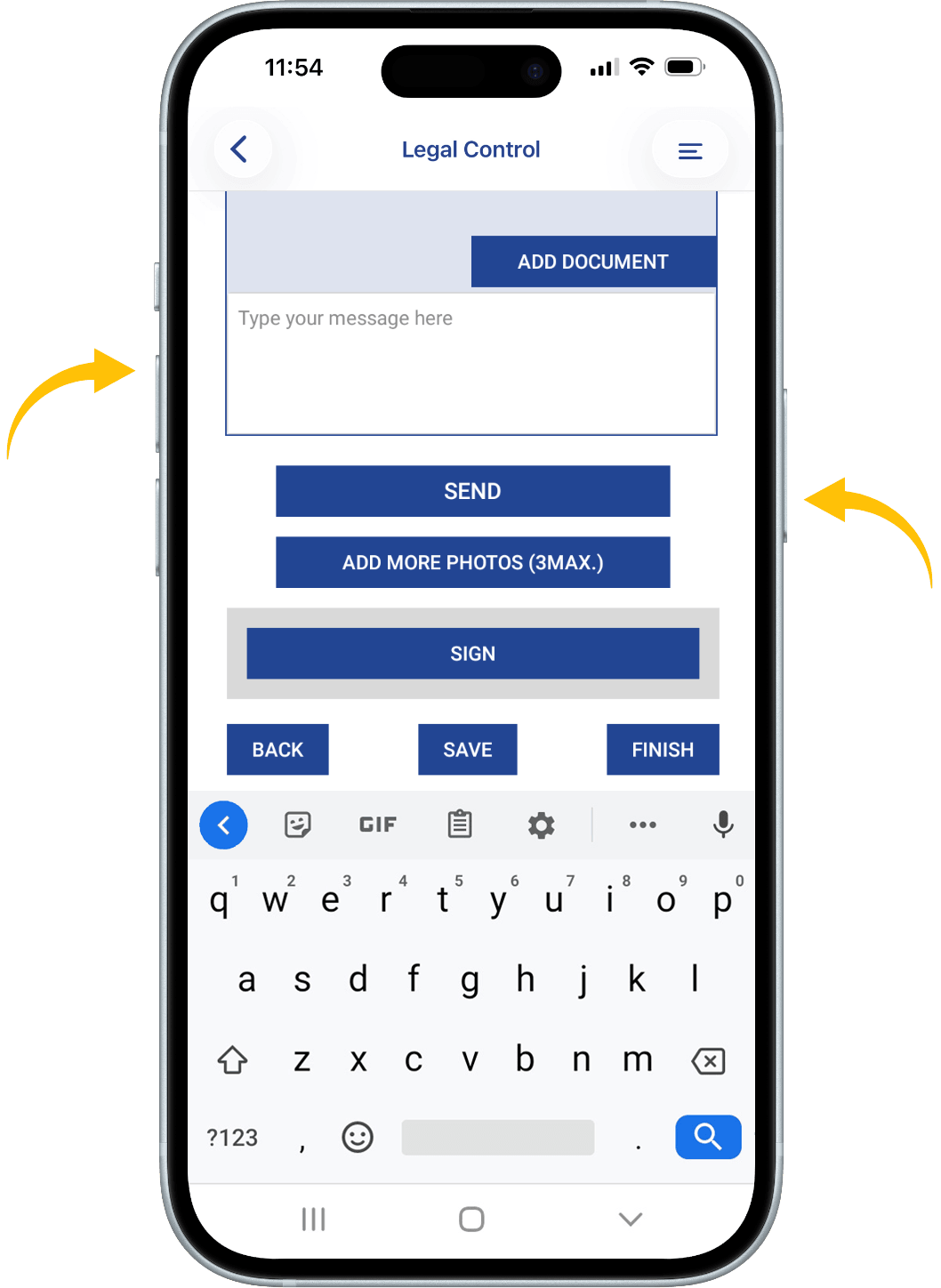
Below you will see a section where you can type messages to the CRM system. If you have typed something, press the SEND button.
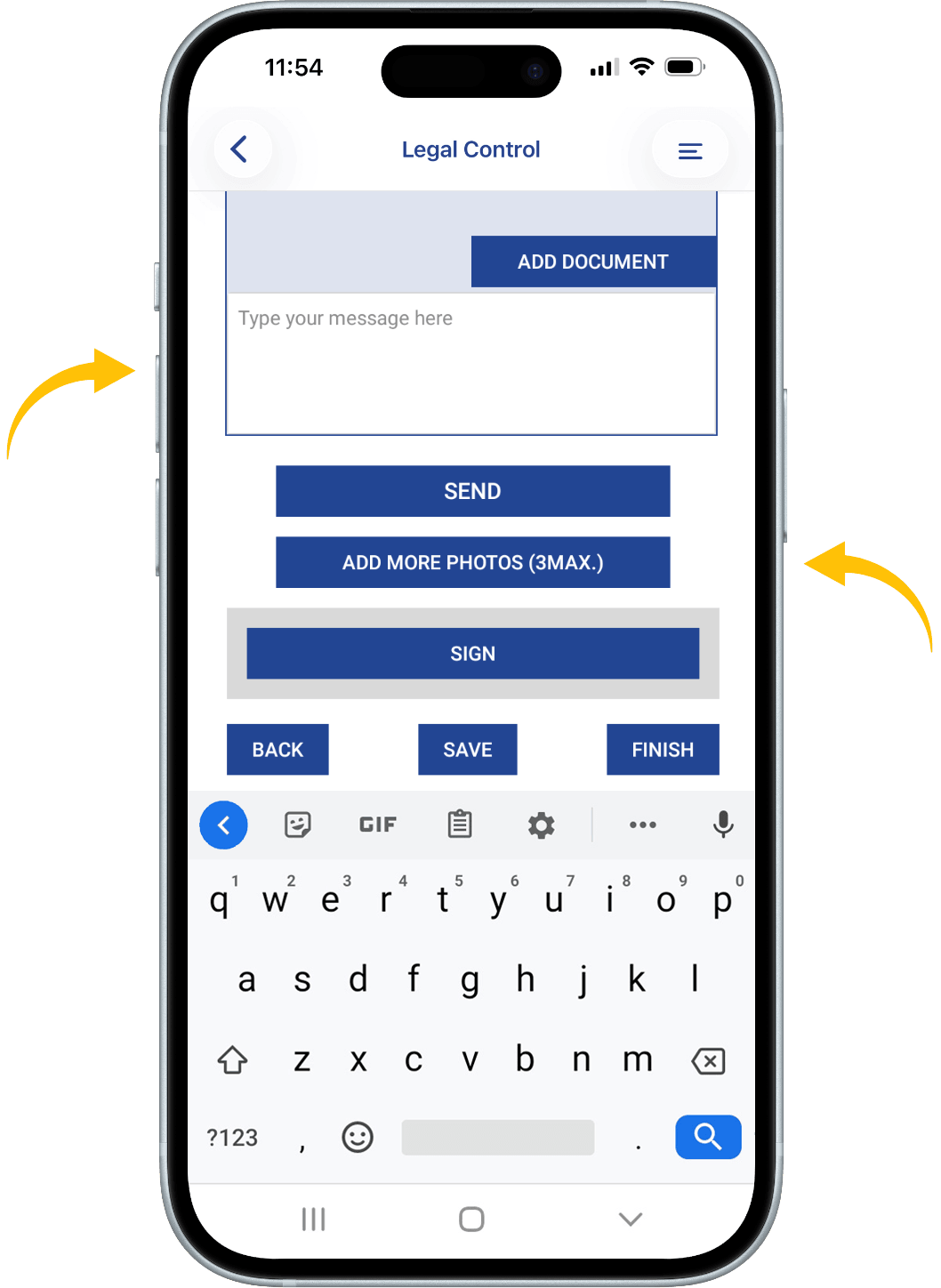
To upload photos, press the ADD MORE PHOTOS button.
Over the photos is an area where you can type comments.
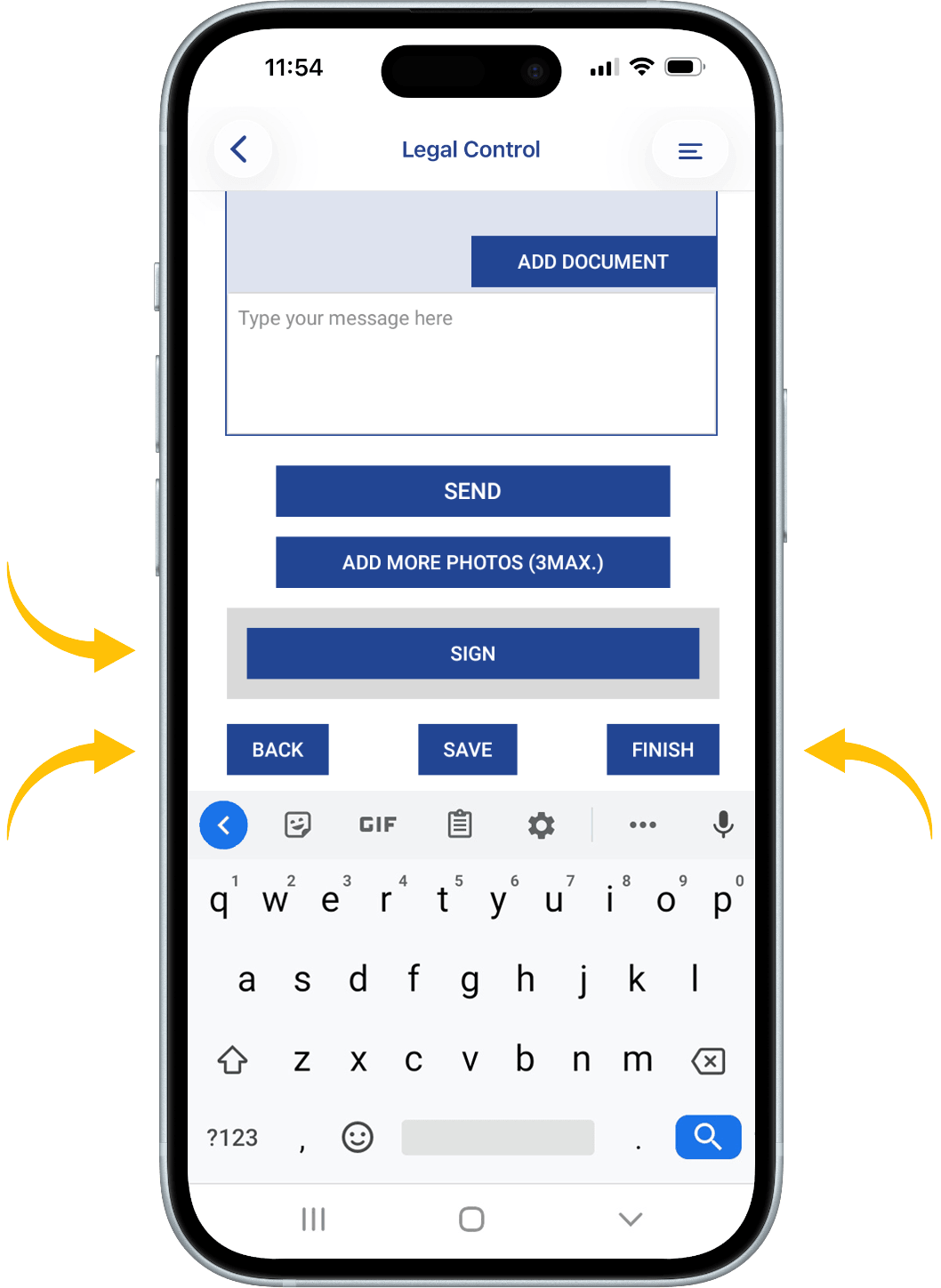
To add a signature, press the SIGN button.
Press the SAVE button if you don’t want to close the document yet.
Press the FINISH button when you want to finish the document and when everything is resolved. Remember that when FINISH is pressed, no more changes can be made.

This document is the property of Transport in Nood.
All rights reserved.