
IMI Declarations
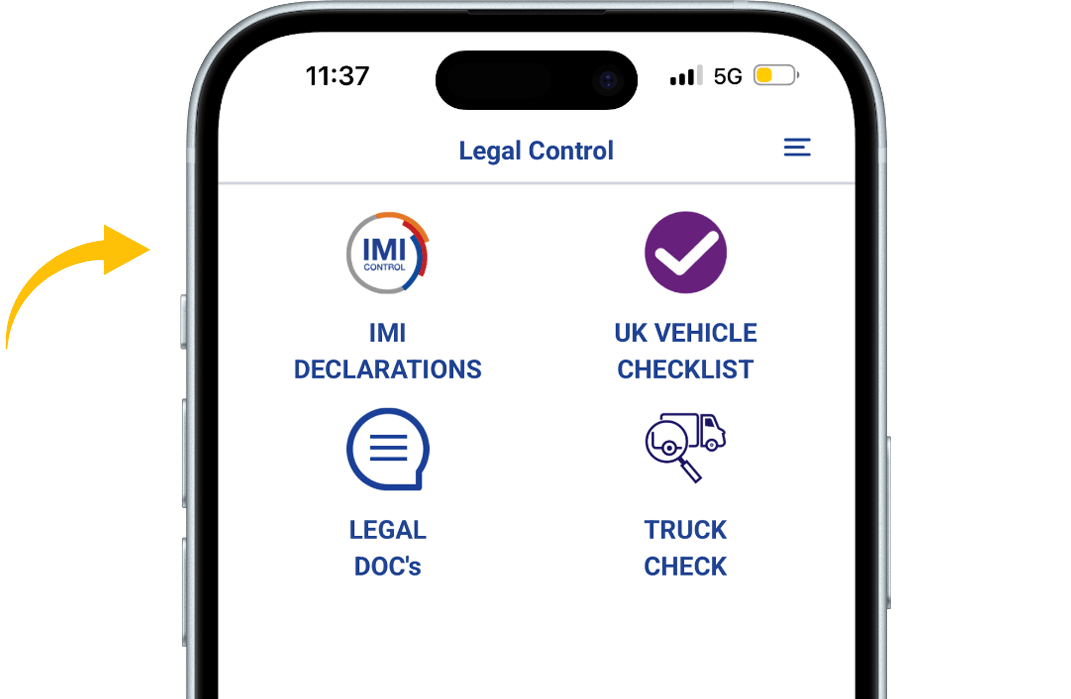
When in the app, press the IMI DECLARATIONS button.
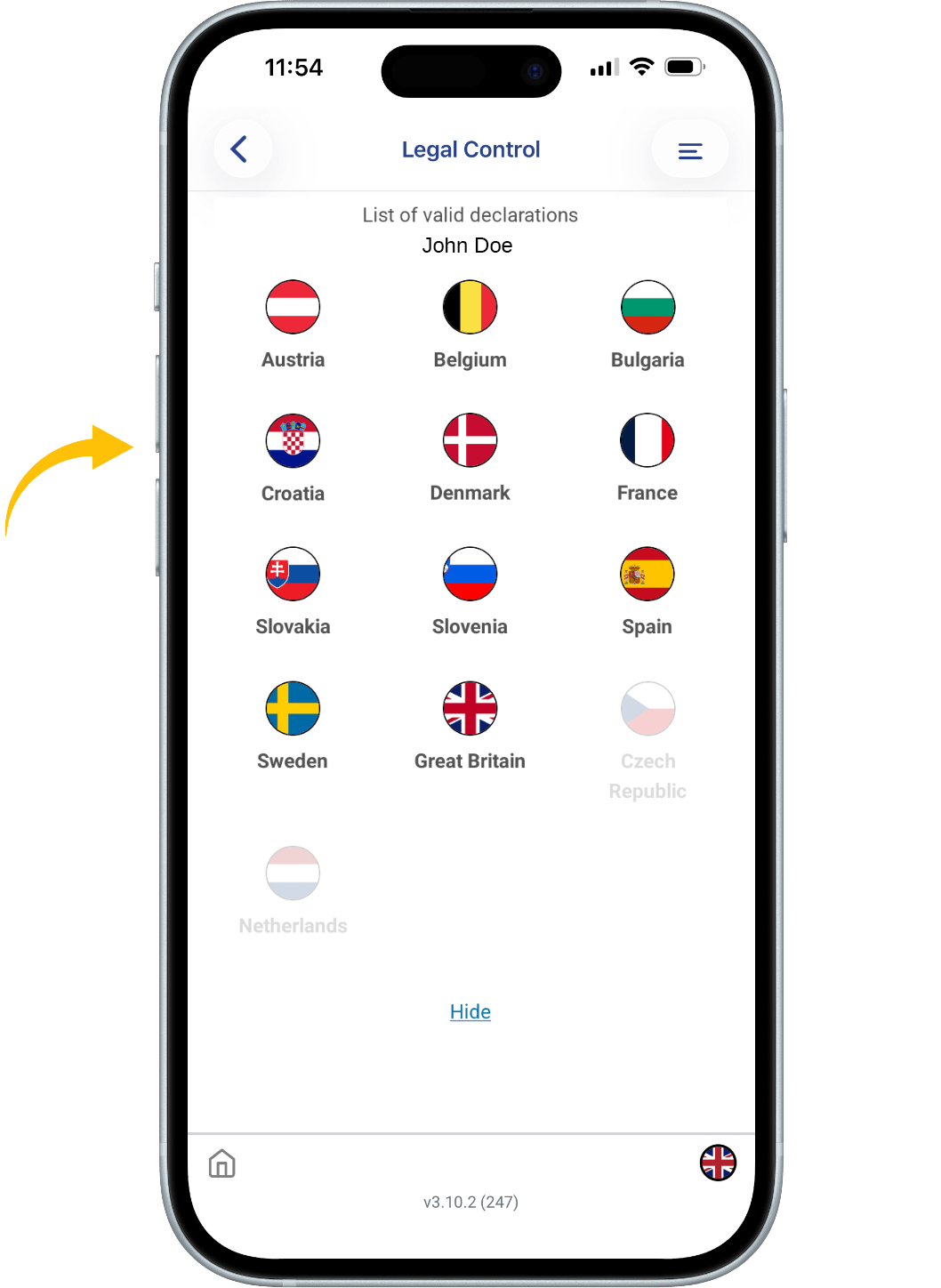
You see flags of several countries. The flags that are seen in color are the flags that represent the countries you have valid the IMI declarations for.
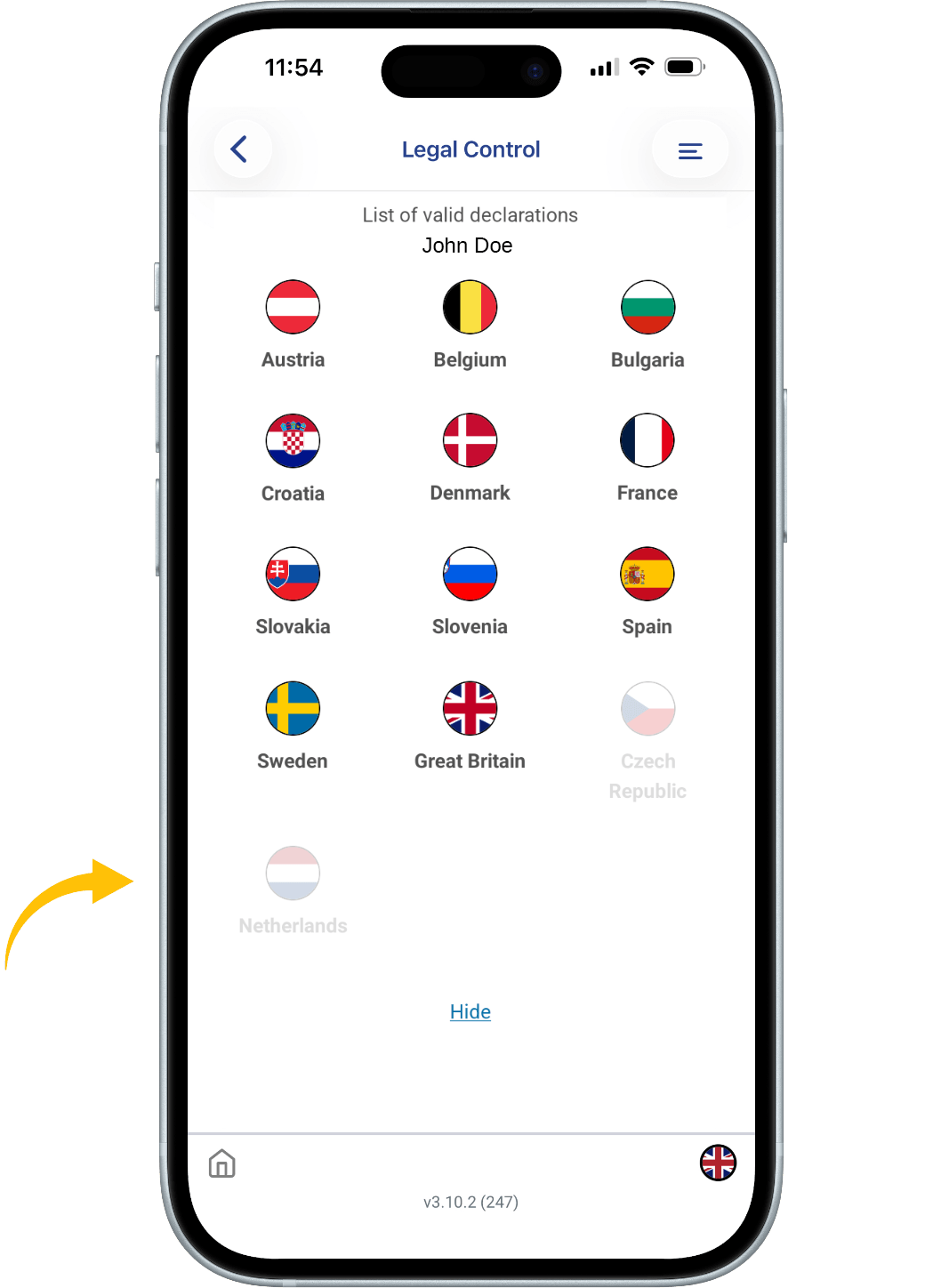
All flags that have a faded color, are not active.
When you click on a country, you will see a QR code first.
That is your IMI declaration for that specific country.
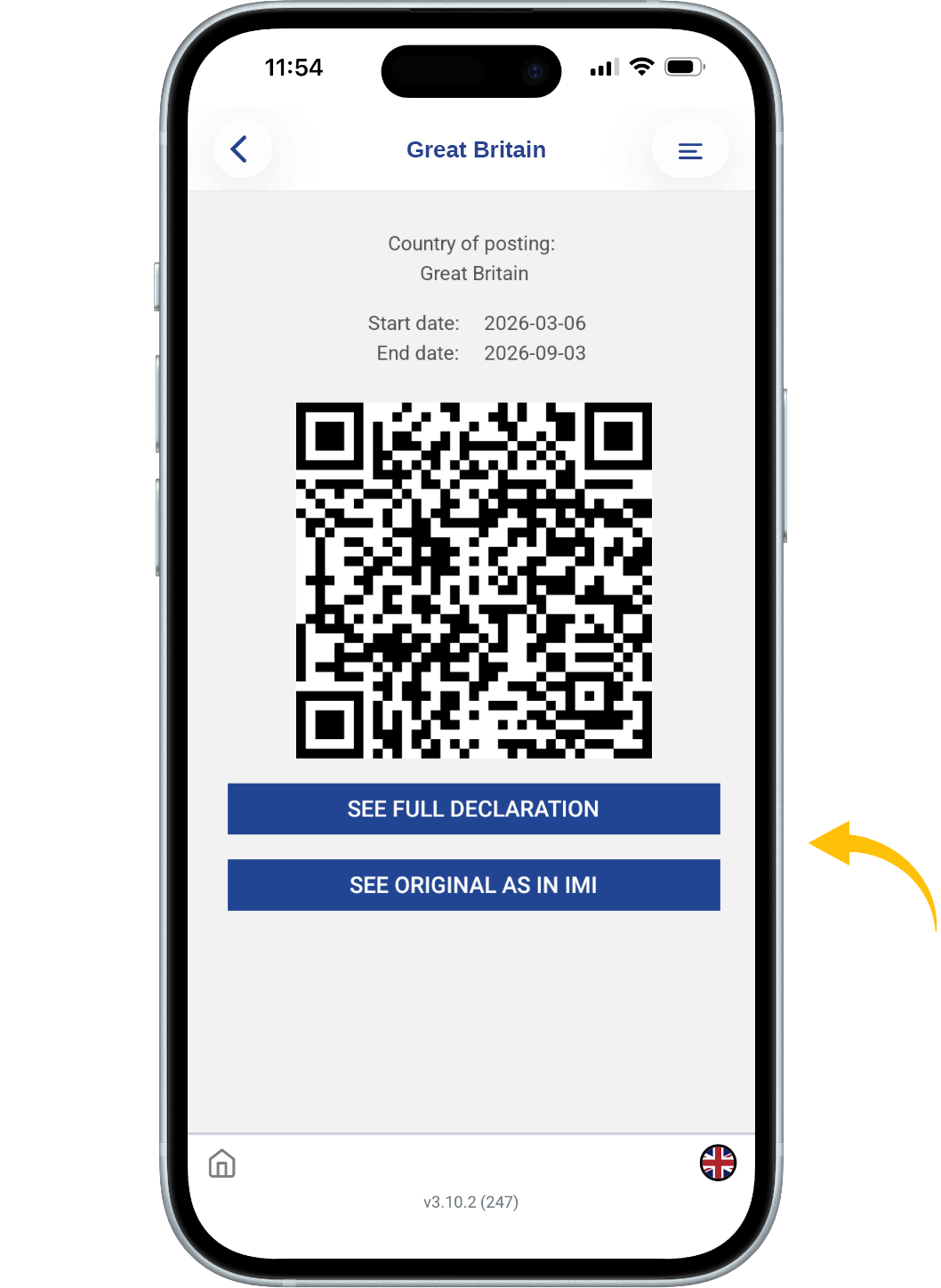
Below there are two blue buttons.
1. SEE FULL DECLARATION: This button shows all the details of your IMI declaration.
2. SEE ORIGINAL AS IN IMI: this button shows your IMI declaration as how it will be seen in the IMI portal.
All QR codes can be scanned by the authorities.

This document is the property of Transport in Nood.
All rights reserved.