
UK Vehicle Checklist
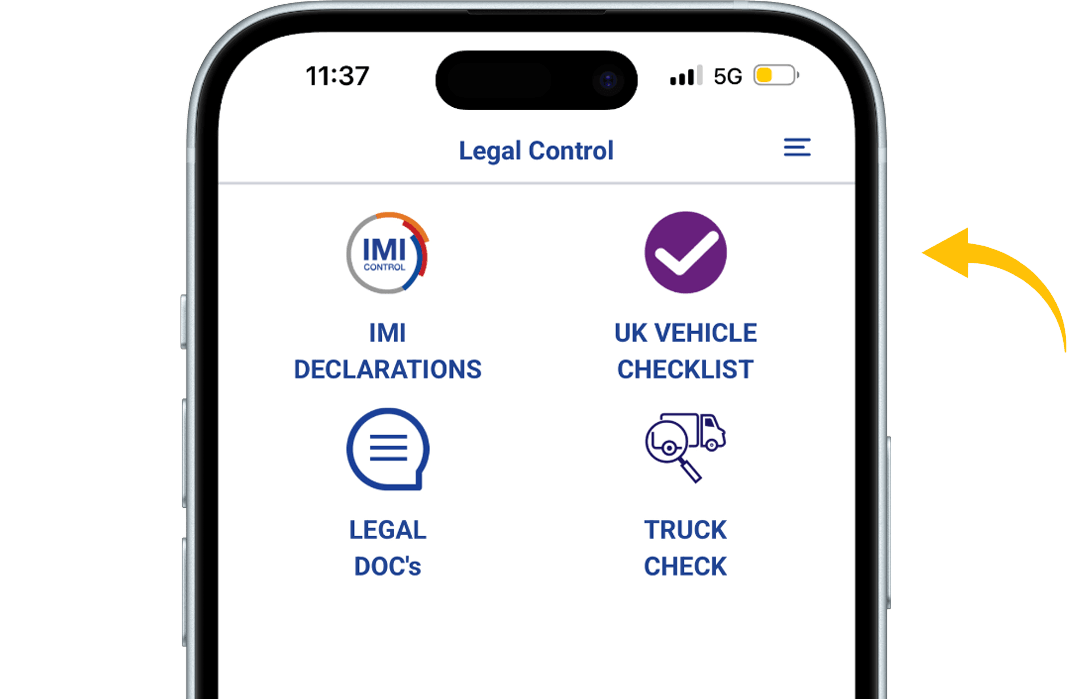
When in the app, press the VEHICLE CHECKLIST button.
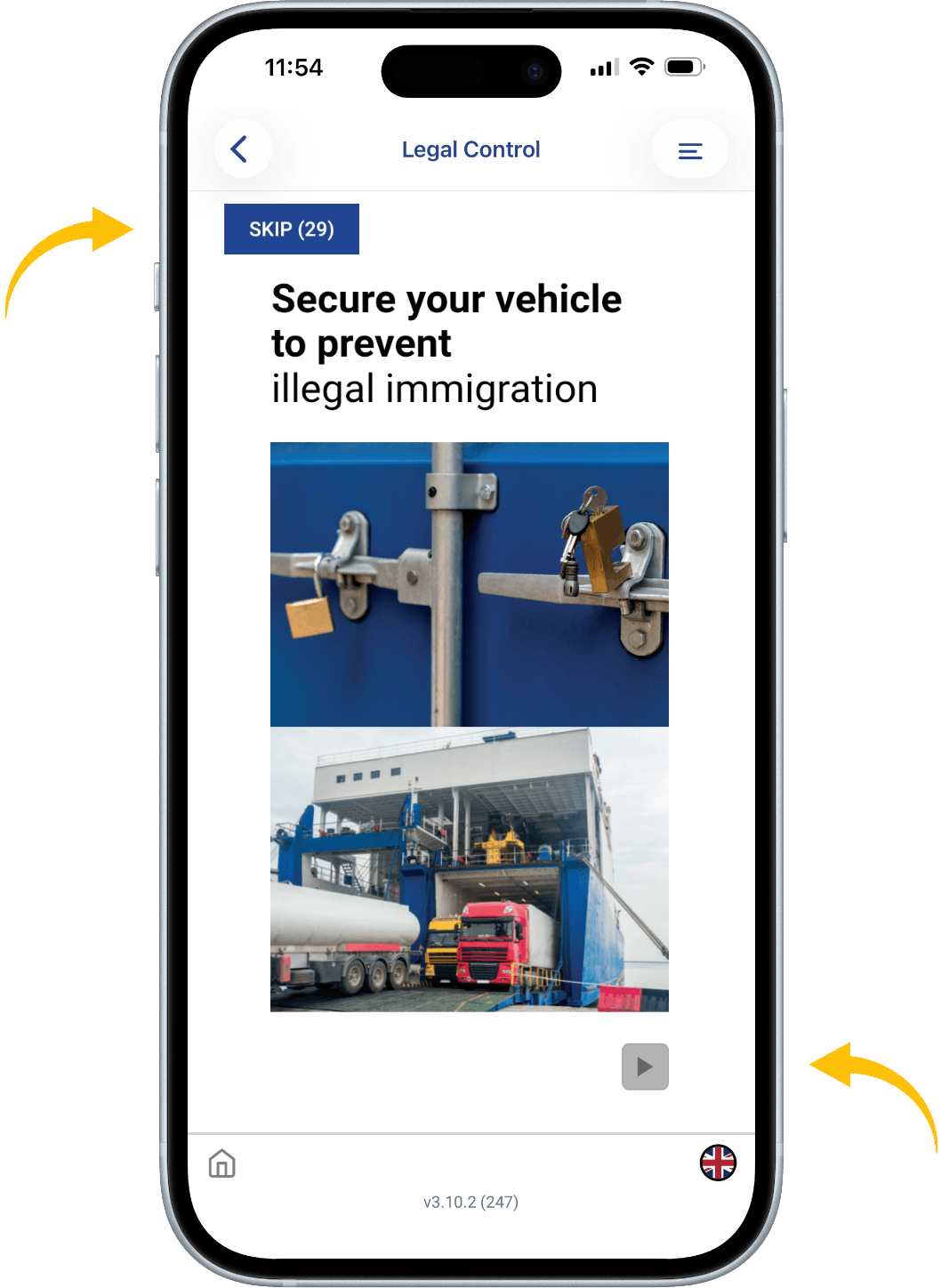
You will now see the training, to start the training press the arrow in the lower right corner.
Follow the training by answering the questions.
You can skip training by pressing button SKIP. You can do this for 30 days. You are obliged to do the training every 6 months.
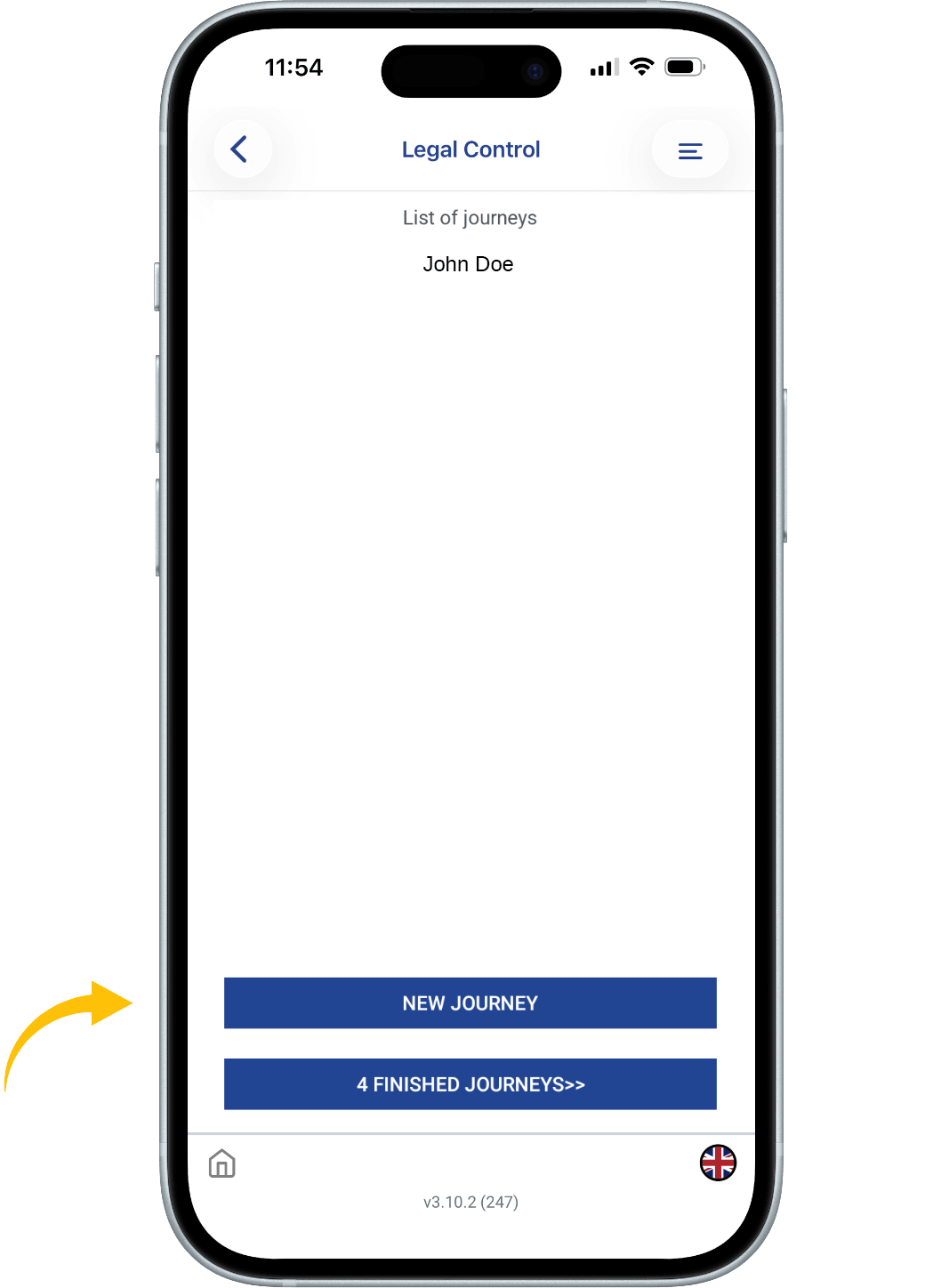
When you have completed the training questions, you will see this screen.
Press the button: NEW JOURNEY to start the checklist.
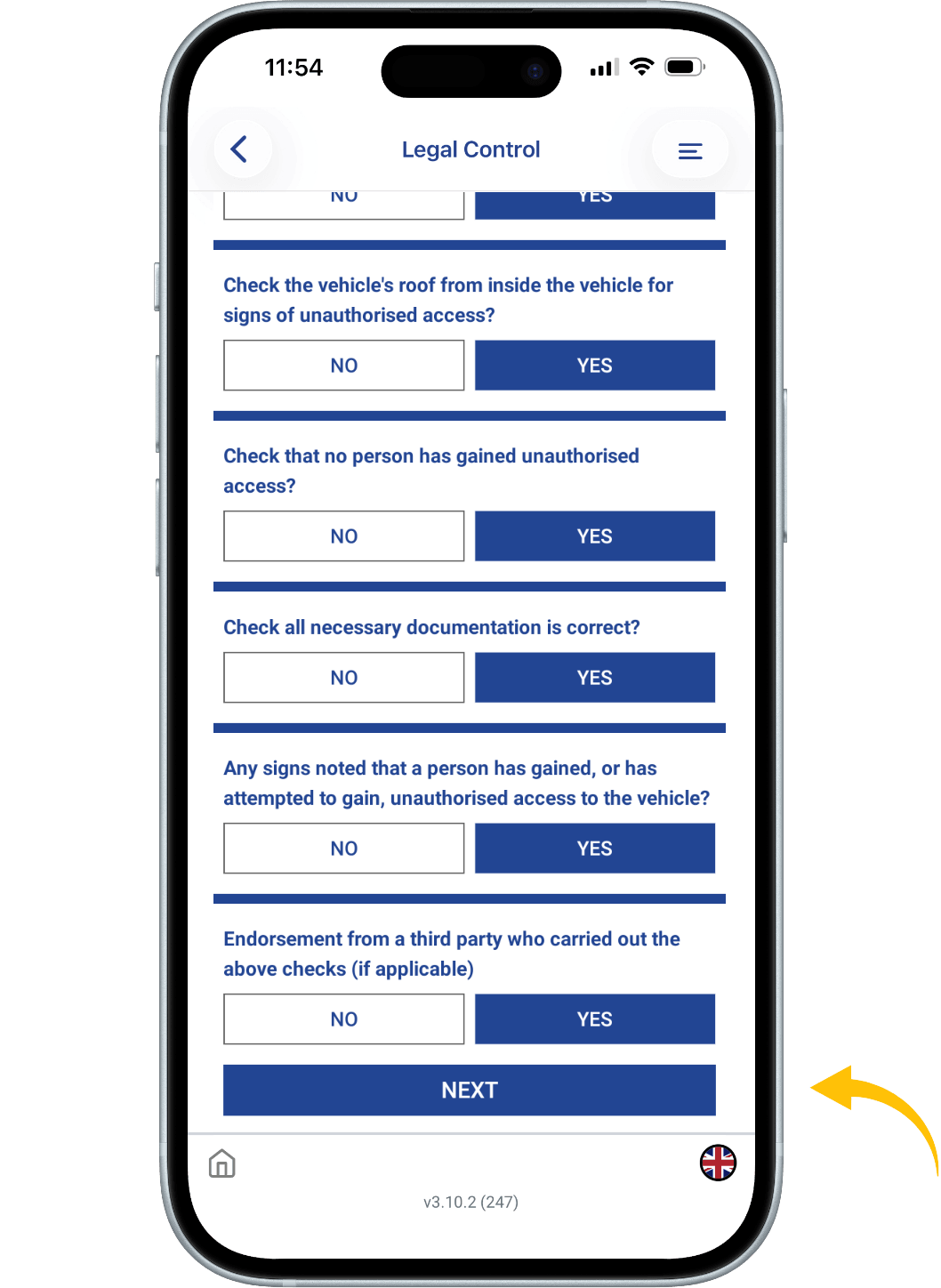
Fill in the empty fields.
When everything is filled in press the button: START JOURNEY. Now you get the checklist which consists of 14 short questions.
At the end of the checklist press: NEXT.
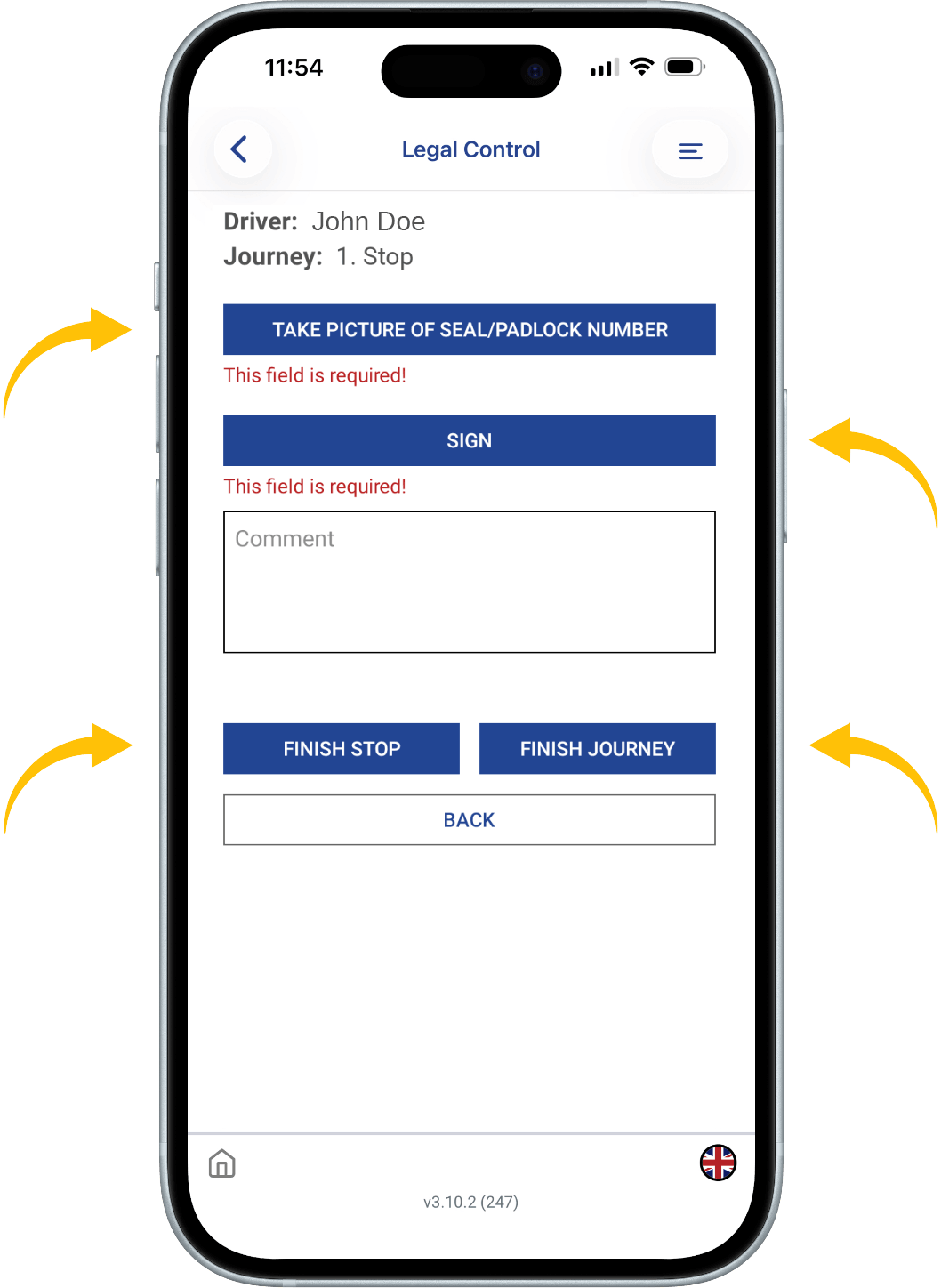
TAKE A PICTURE OF THE SEAL OR PADLOCK NUMBER
To add a signature, press the SIGN button.
If you are going to have any more stops along the way. Press: FINISH STOP.
If this is your last stop you are going to have press: FINISH JOURNEY.
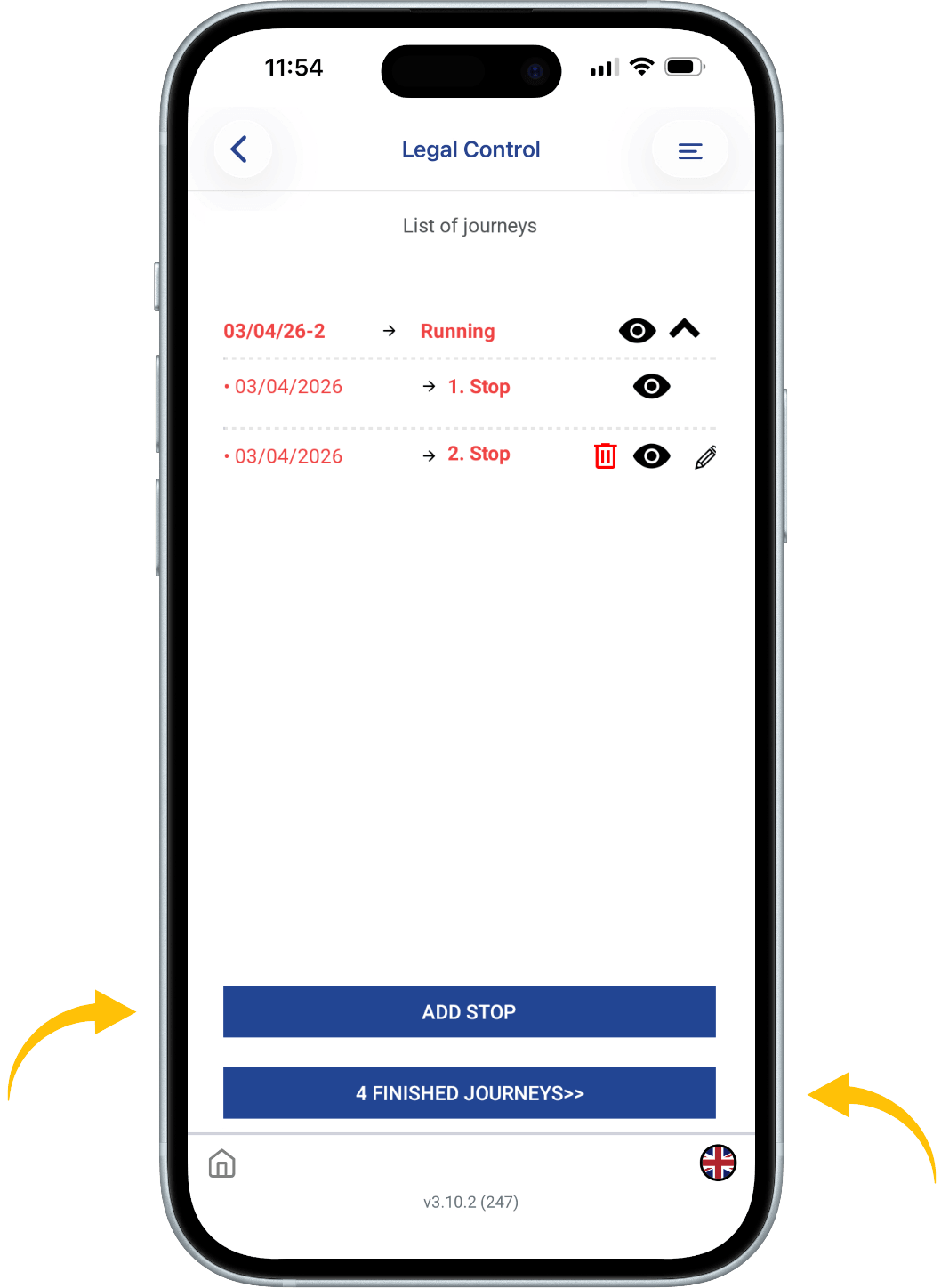
You will see at the top of the screen that the text is in red. This means your checklist is running and therefore not closed yet.
At the bottom, you will find the blue FINISHED JOURNEYS button.
If you click on this, you will see all your Finished Journeys.
Want to add a stop press the button: ADD STOP.
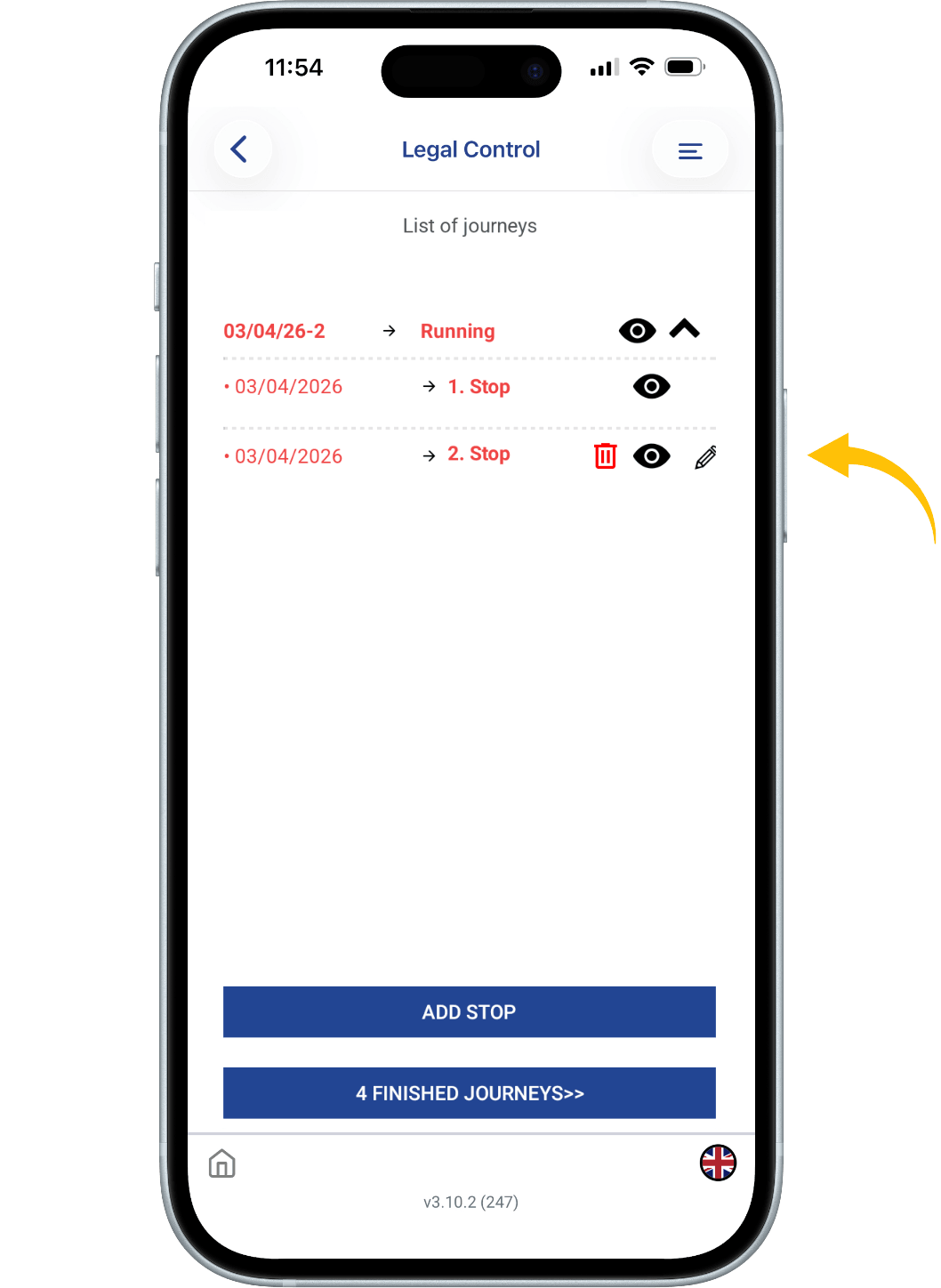
An eye icon can be seen on the right side. If you click on this, you can send the checklist and the training to the authorities via e-mail if needed.
On the right side of the screen, you will see a pencil.
If you click on it you can edit your last stop if necessary.
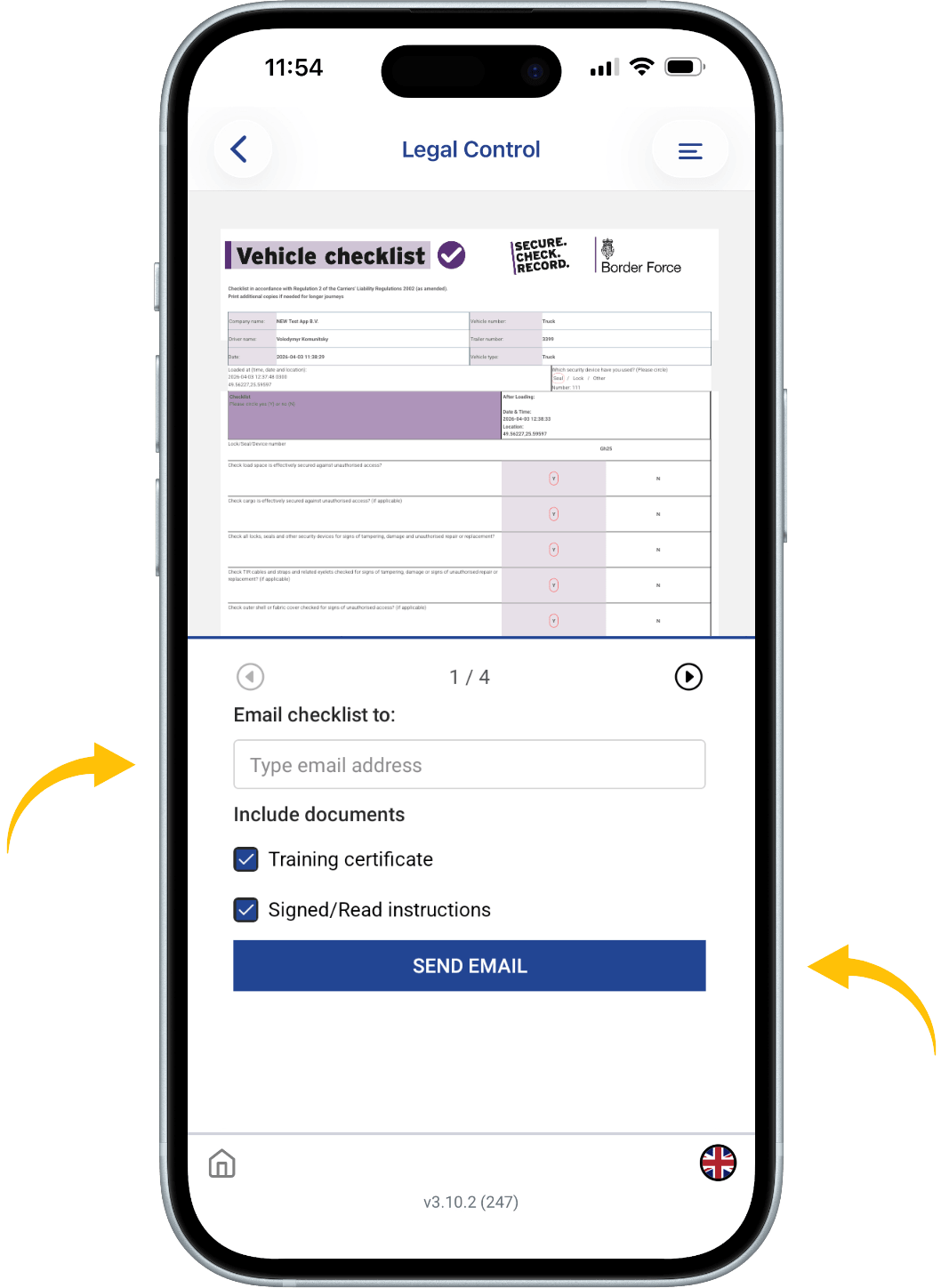
If you have pressed the eye icon, you will see this screen.
Enter an e-mail address here.
You can select whether you want to send the Checklist, Training or Instruction.
Press here to proceed to send the checklist.

This document is the property of Transport in Nood.
All rights reserved.